
Description
Product Overview
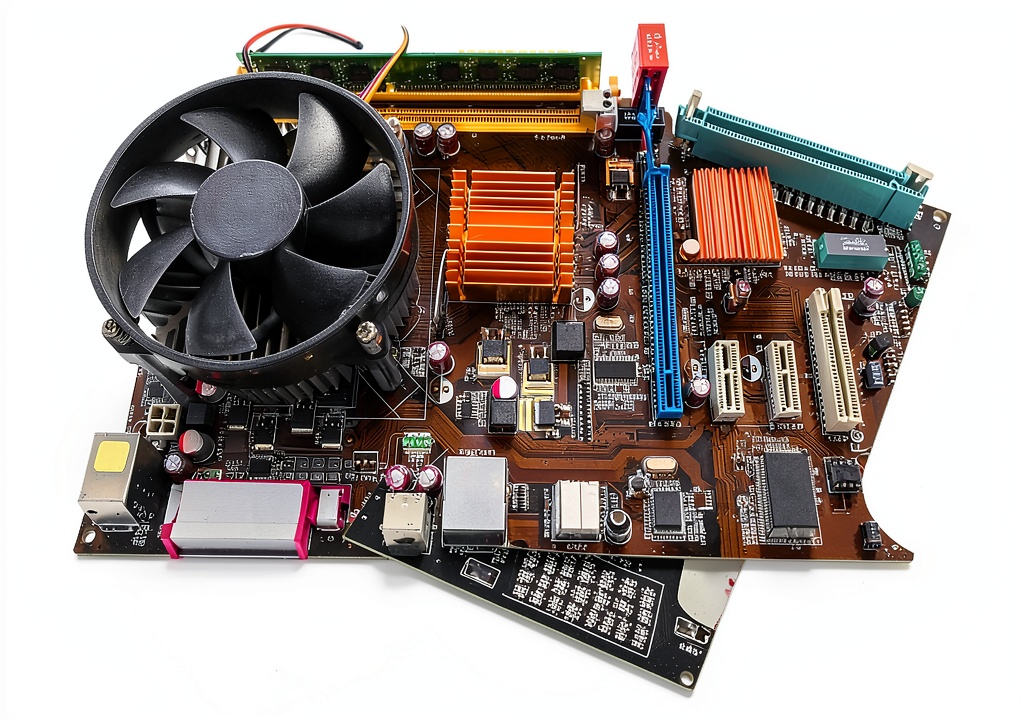
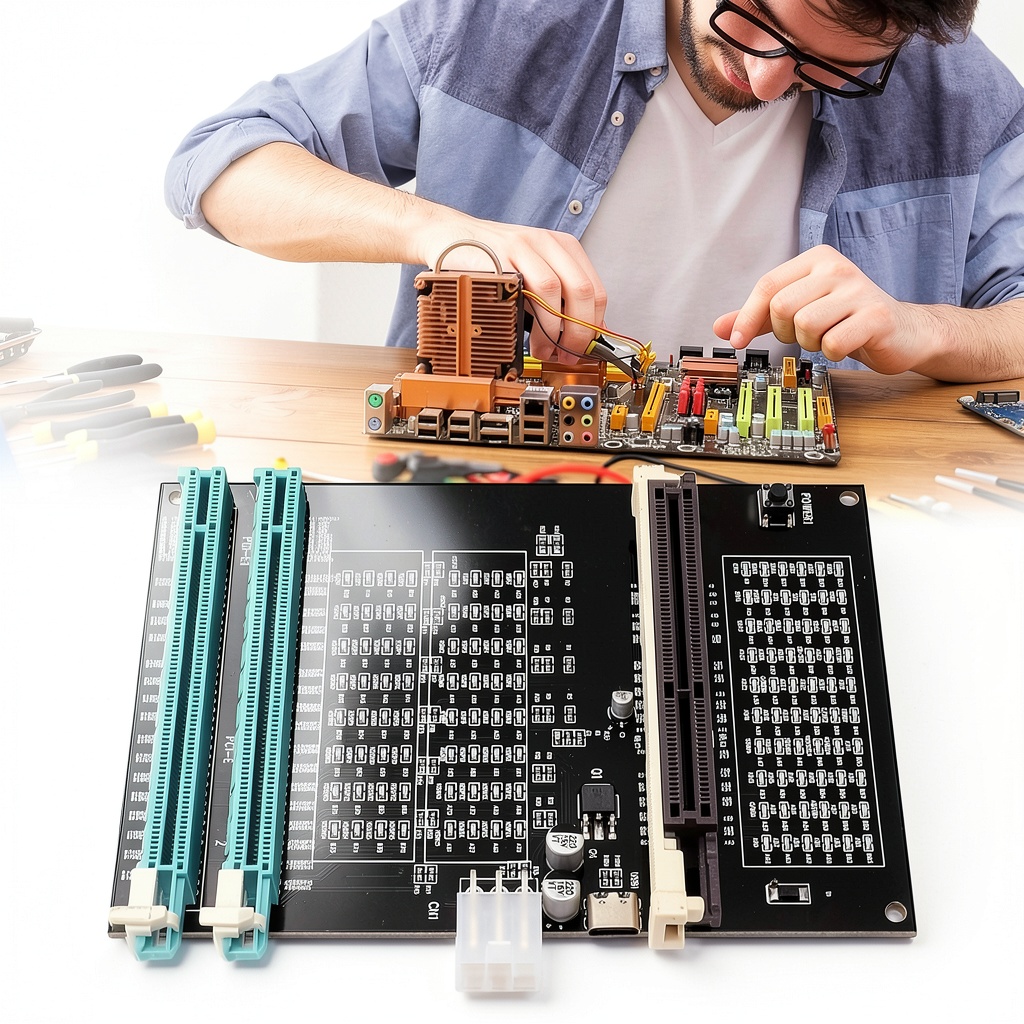
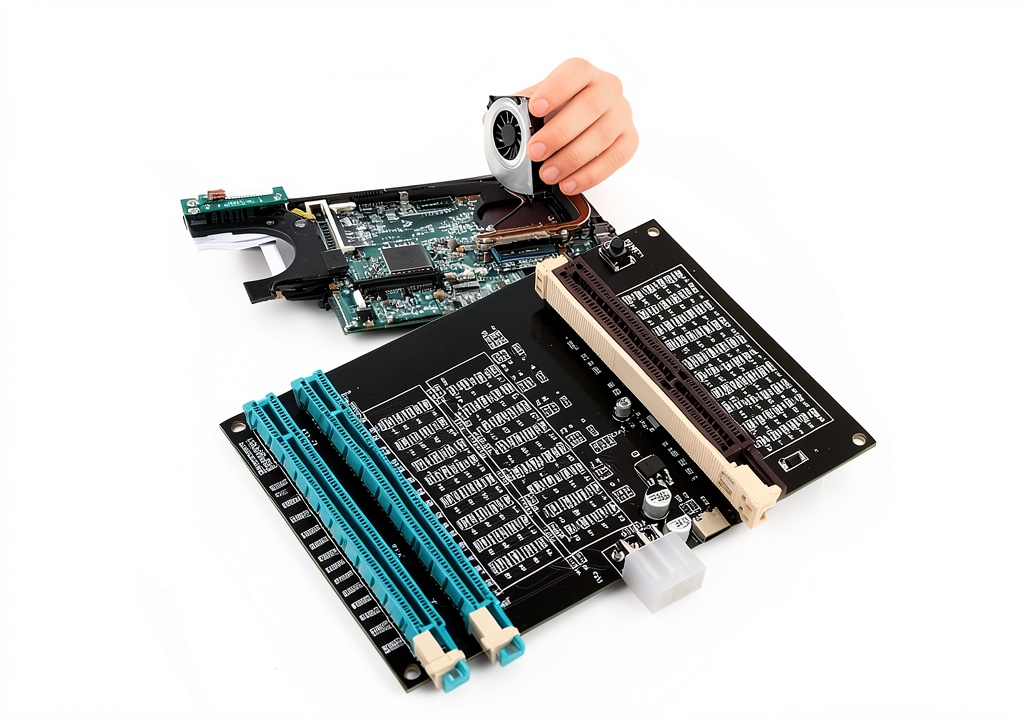
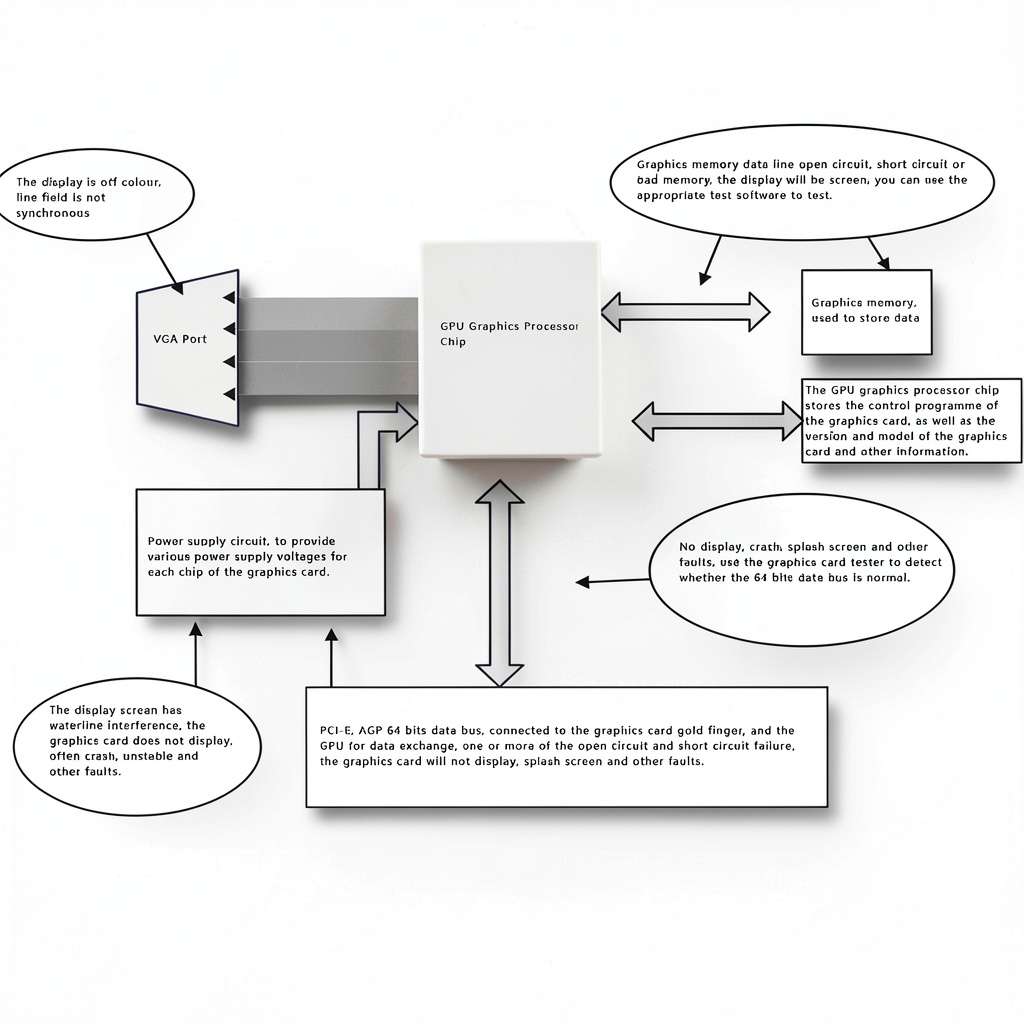
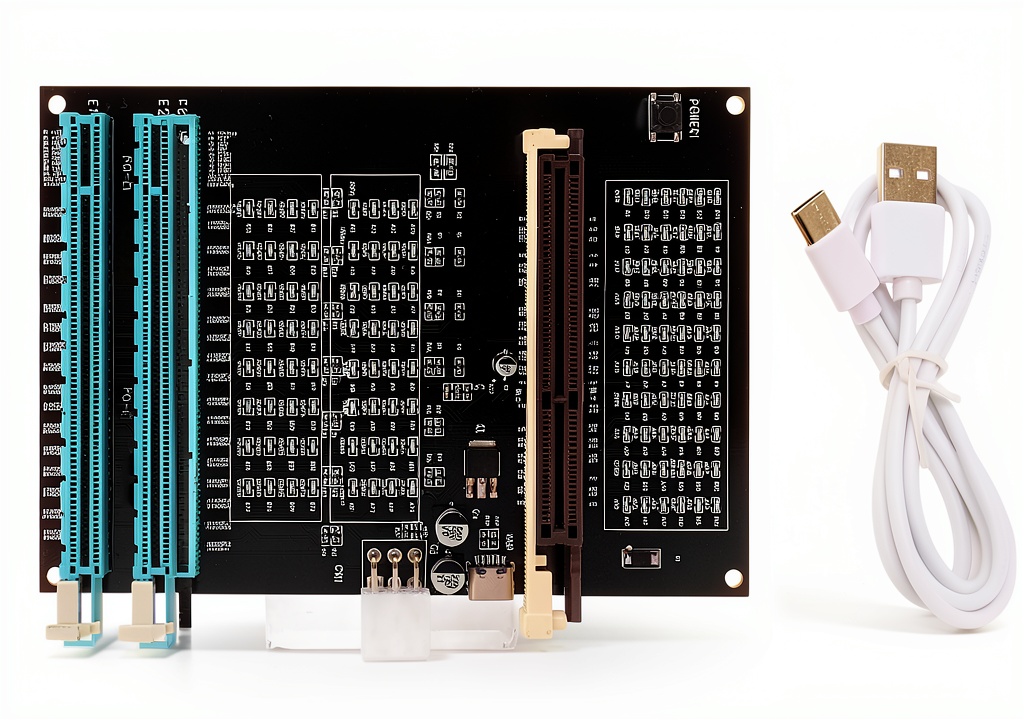
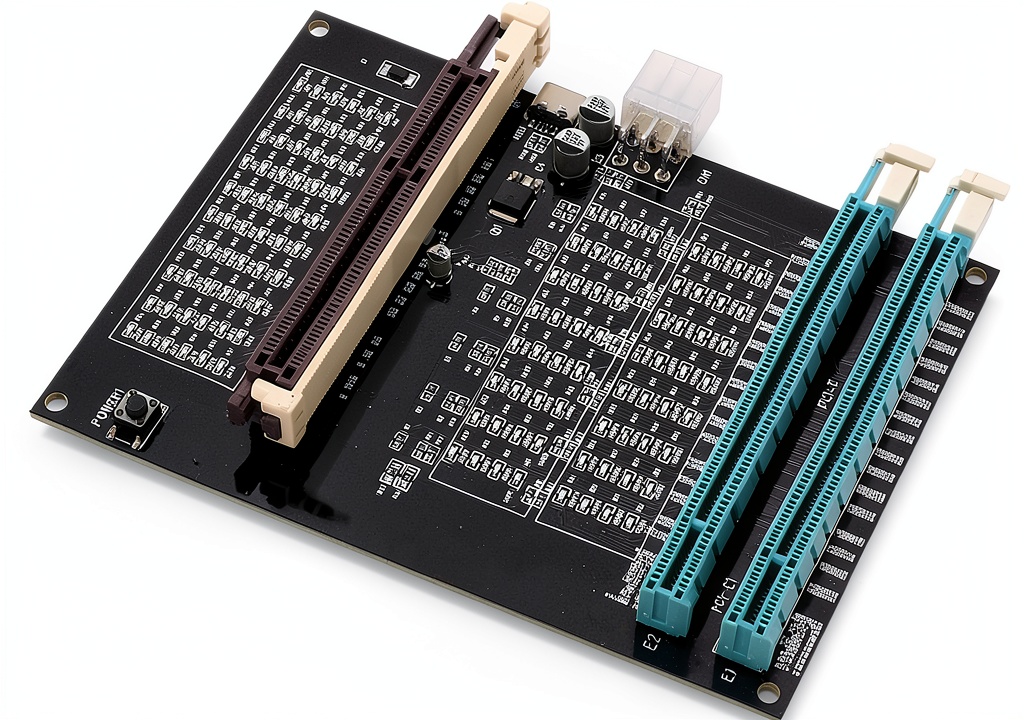
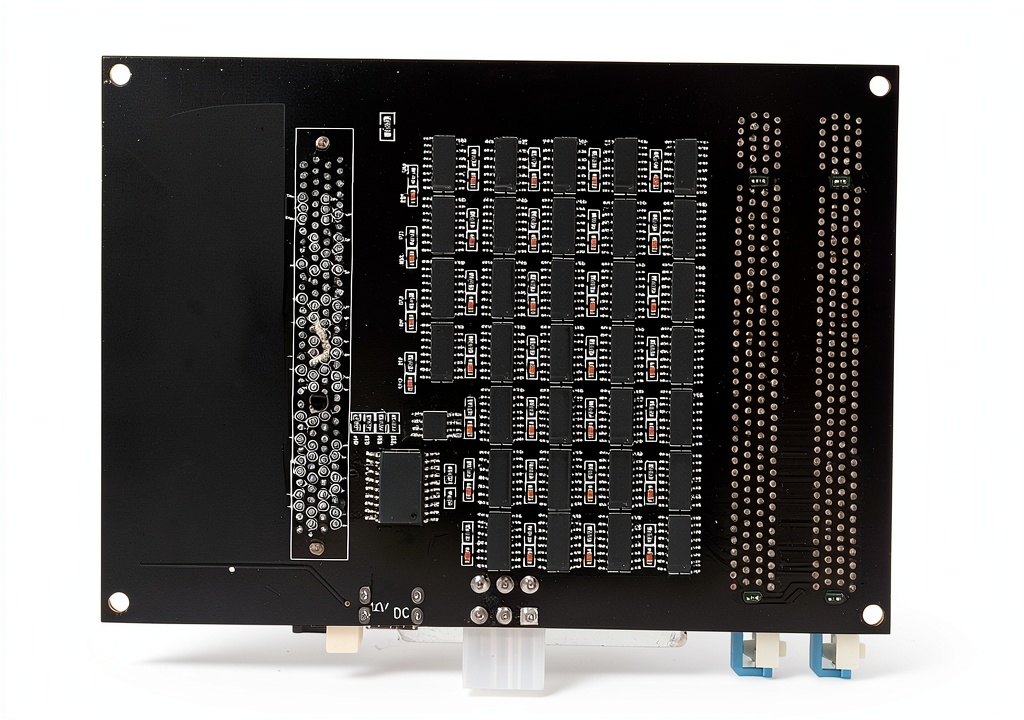
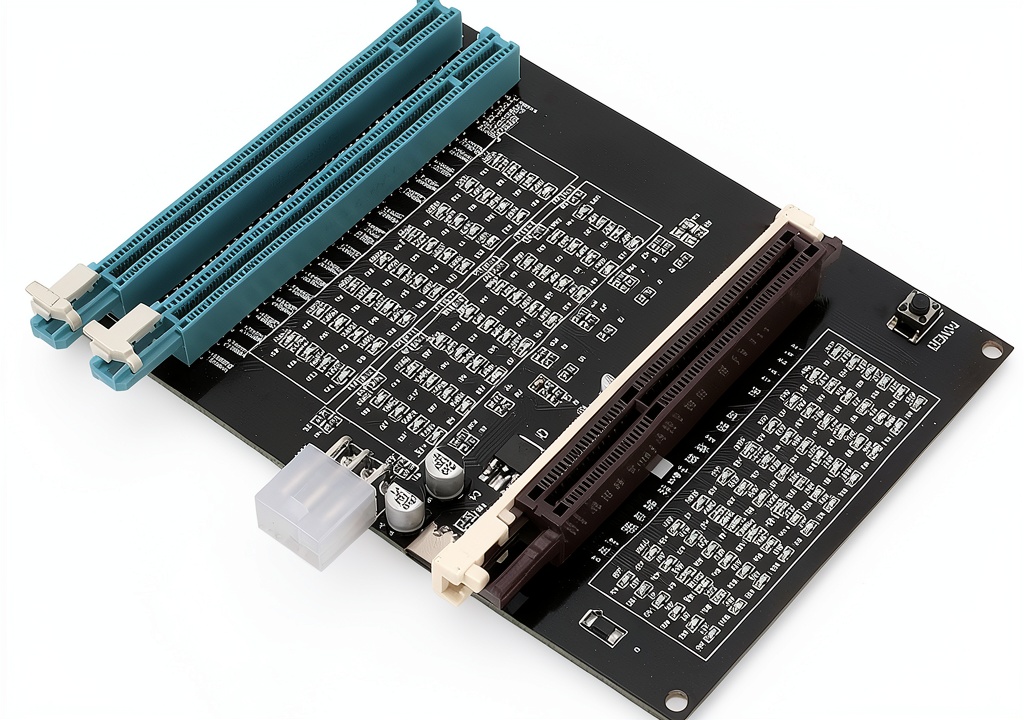
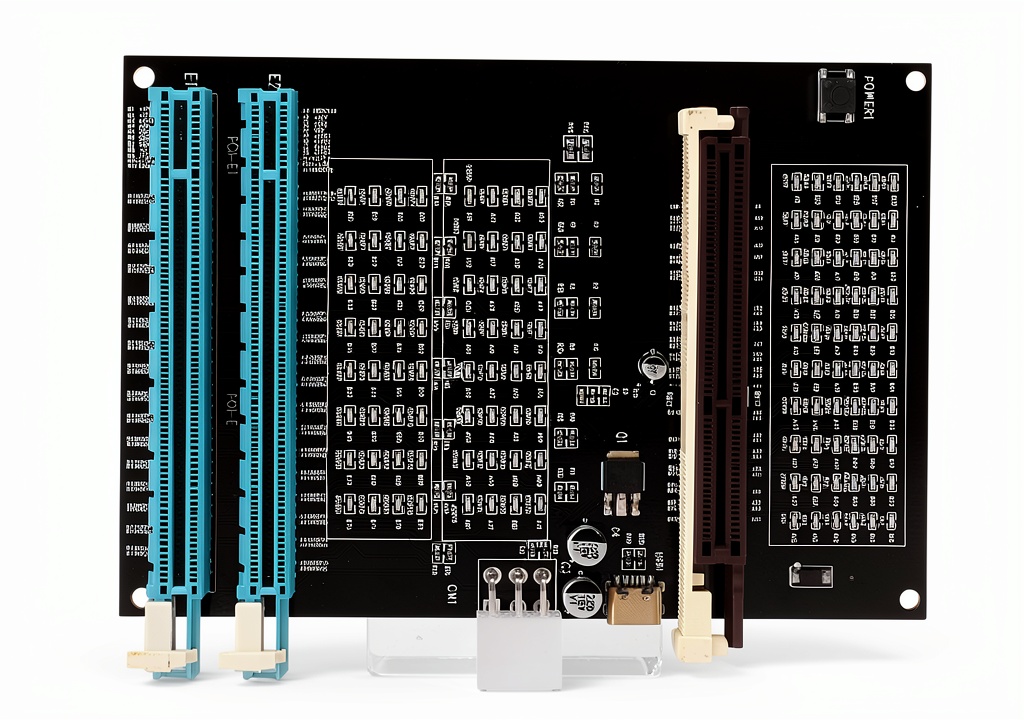
The Wisoqu graphics card tester is a specialized diagnostic tool engineered for identifying and resolving display-related issues in computer graphics cards. It efficiently detects faults such as no display, blurry output, and unstable video without requiring manual measurements of the PCI bus interface. Constructed with durable materials, this tester features a compact design measuring 6.3 x 4.72 x 1.18 inches and weighs only 3.99 ounces, making it portable for on-the-go repairs. Key specifications include compatibility with standard PCI interfaces, a 12V power supply requirement, and indicator lights for quick feedback on card conditions. Its core functionality revolves around testing data bus connections between the graphics card CPU and motherboard, ensuring comprehensive fault diagnosis for technicians.
Usage
This graphics card tester is ideal for professional technicians, IT support staff, and electronics repair specialists working in environments like computer repair shops, data centers, and manufacturing facilities. It is used during troubleshooting sessions to inspect graphics cards for issues such as burn marks, broken PCB traces, and abnormal voltages before proceeding with replacements. Common occasions include diagnosing faulty cards in gaming PCs, workstations, and servers, where accurate fault localization saves time and reduces unnecessary part swaps. The tool’s straightforward operation—inserting the card into the slot and applying power—makes it suitable for both experienced professionals and those new to hardware diagnostics.
Why Choose Us
Wisoqu’s graphics card tester stands out due to its precision engineering and user-centric design, offering reliable performance in fault detection without the complexity of traditional methods. The product undergoes rigorous quality checks to ensure accurate readings and durability, backed by a manufacturer with expertise in industrial and scientific tools. Unlike generic testers, it provides targeted diagnostics for PCI bus connections, reducing guesswork and enhancing repair efficiency. This focus on practical usability and dependable results makes it a trusted choice for professionals seeking to streamline their workflow and minimize downtime in critical repair scenarios.
Key Features
- High-efficiency detection of display faults like no video and blurry screens without individual PCI bus measurements
- Versatile testing capabilities for open circuits and shorts in data bus connections
- Comprehensive fault diagnosis for burn marks, broken traces, and voltage abnormalities
- User-friendly operation with simple setup and indicator lights for quick feedback
- Accurate fault localization to pinpoint issues with the main CPU chip and connections
FAQ
What types of graphics card issues can this tester detect?
It identifies common problems such as no display, blurry output, unstable video, open circuits, and shorts in the PCI bus connections, helping technicians diagnose faults efficiently.
How do I set up and use the graphics card tester?
Insert the faulty graphics card into the corresponding slot, apply a 12V power supply, and observe the indicator lights for feedback on the card’s condition, following the included guidelines.
Is this tool suitable for beginners in computer repair?
Yes, its user-friendly design and straightforward operation make it accessible for those new to diagnostics, though basic knowledge of graphics card components is helpful.
What power source is required for the tester?
A standard 12V power supply is needed to operate the device, ensuring it functions correctly during testing sessions.
Can it test all types of graphics cards?
It is designed for PCI interface-compatible cards; check the specifications to confirm compatibility with your specific graphics card model.



 Generic Quick Connect Barb Fitting Steel Zinc Plated
Reviews
There are no reviews yet.